

TL;DR:
- Unmonitored public IPs are a major vulnerability, exposing businesses to cyber threats and disruptions.
- Regular IP monitoring helps detect threats, prevent blacklisting, and ensure network stability.
- Affordable tools and scheduled reviews enable small businesses to maintain visibility and improve security.
Most small and medium-sized businesses assume public IP monitoring is something only large enterprises need to worry about. That assumption is wrong, and it is costing businesses dearly. Unmonitored public IP addresses are one of the most overlooked entry points for attackers, capable of causing downtime, data breaches, and reputational damage. This guide breaks down exactly what a public IP address is, why monitoring it matters, which tools you should be using, and how to turn IP visibility into a genuine security advantage for your organisation.
Table of Contents
- Understanding public IP addresses and why they matter
- Security risks and threats to unmanaged public IPs
- Tools and techniques for monitoring your public IP
- Applying IP monitoring for cybersecurity and network health
- What most guides miss about public IP monitoring
- Next steps: instantly boost your IP visibility
- Frequently asked questions
Key Takeaways
| Point | Details |
|---|---|
| Public IPs need monitoring | Neglecting your public IP exposes you to cyber threats and downtime regardless of business size. |
| Affordable tools are available | Small businesses can easily deploy free or low-cost solutions for effective IP monitoring. |
| Security starts with visibility | Consistent public IP tracking strengthens your network health and helps prevent breaches. |
| Actionable best practices | Automate alerts and schedule regular reviews to catch issues before they escalate. |
Understanding public IP addresses and why they matter
A public IP address is the unique numerical label assigned to your network by your Internet Service Provider (ISP). It is the address the outside world sees when your devices communicate over the internet. Unlike a private IP address, which operates only within your internal network, a public IP is globally routable and visible to any server or service you connect to.
Understanding the types of IP addresses is foundational before you can monitor them effectively. Private IPs, such as those in the 192.168.x.x range, are used for internal device communication. Public IPs are what connect your office network to the cloud, to remote workers, and to every external service you rely on. The internal vs public IP distinctions matter enormously in tech infrastructures because each requires a different monitoring strategy.
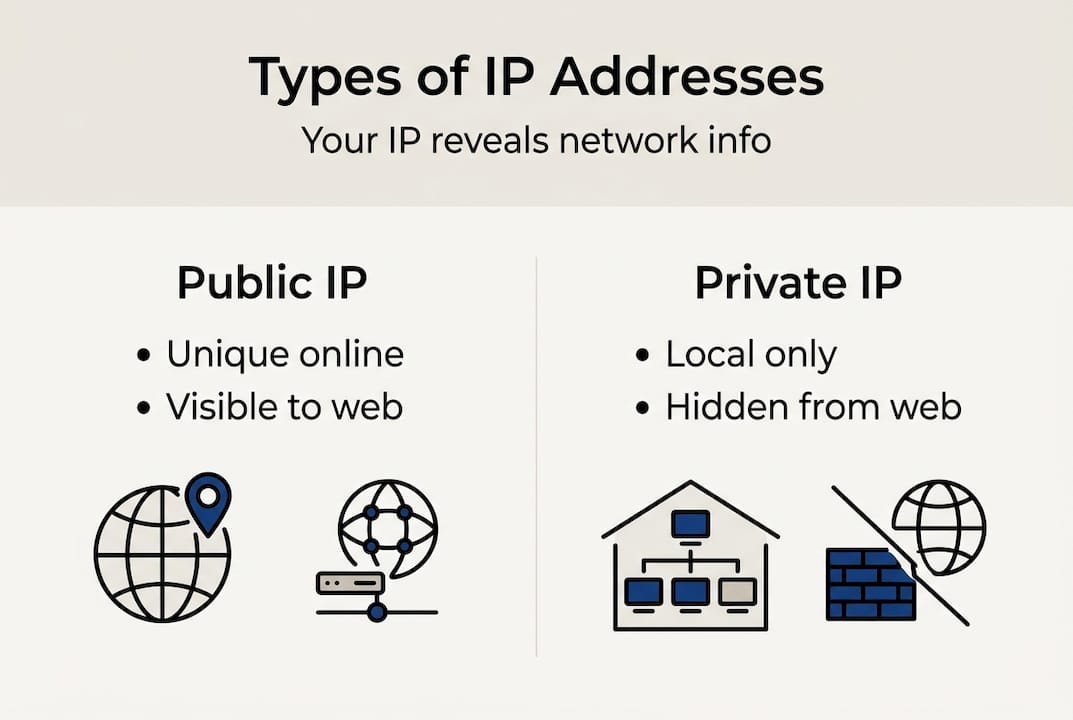
A common misconception is that only web-facing servers need a monitored public IP. In reality, every business with a broadband connection has a public IP, and that address is the front door to your entire network. Remote access tools, cloud platforms, VPN gateways, and even email servers all depend on your public IP being stable, clean, and unblacklisted.
Here are the most critical use cases where your public IP directly affects business operations:
- Remote access and VPN: Employees connecting from home rely on your public IP being reachable and not flagged as malicious.
- Cloud service authentication: Many cloud platforms whitelist specific IPs for access control. An unexpected IP change can lock out your entire team.
- Email deliverability: If your public IP ends up on a spam blacklist, your outbound email stops reaching clients.
- Web application security: Firewalls and intrusion detection systems use your public IP as a reference point for traffic filtering.
Pro Tip: Add your current public IP to your security checklist and document it alongside your ISP contract details. This simple step saves hours of troubleshooting when something changes unexpectedly.
Security risks and threats to unmanaged public IPs
Leaving your public IP unmonitored is not a passive risk. Attackers actively scan the internet for exposed IPs, probing for open ports, outdated services, and misconfigured firewalls. The moment your IP appears vulnerable, automated bots begin their work.
“Tracking public IP addresses is no longer optional for businesses that take security seriously. Real-time awareness of your IP status is the difference between catching a threat early and discovering a breach after the damage is done.”
One of the most underappreciated dangers is botnet targeting. Botnets routinely scan large IP ranges looking for devices to recruit or exploit. If your office router or server is reachable via an unmonitored public IP, it can be compromised and used to attack others without your knowledge. The public Wi-Fi risks from exposed IP addresses extend well beyond coffee shops, affecting any network that lacks proper IP visibility.

Dynamic IP addresses introduce another layer of risk. Many ISPs periodically reset public IPs, and businesses using consumer-grade broadband often experience these changes without warning. When your IP changes, firewall rules, access control lists, and VPN configurations can break silently. The effects of dynamic public IPs on connectivity and security access are significant, especially for organisations relying on IP-based authentication.
Here are the most pressing threats from unmanaged public IPs:
- Port scanning and exploitation: Attackers map your open ports and target known vulnerabilities in exposed services.
- Blacklisting: If your IP is used in spam or malicious activity, it gets blacklisted, disrupting email and web services.
- Man-in-the-middle positioning: Attackers who know your IP can attempt to intercept traffic or spoof your address.
- Reputation damage: A compromised IP linked to malicious activity can harm your business relationships and brand trust.
To protect IP information effectively, you need visibility first. Without knowing what your IP is doing, you cannot defend it. Monitoring tools that detect suspicious activity using geolocation and IP tracking give you the early warning system your security posture needs.
Tools and techniques for monitoring your public IP
The good news is that effective IP monitoring does not require an enterprise budget. A range of free and affordable tools can give you real-time visibility into your public IP status, alert you to changes, and flag potential threats before they escalate.
| Tool | Cost | Key feature | Best for |
|---|---|---|---|
| GreyNoise IP Check | Free | Botnet and proxy detection | Threat intelligence |
| MXToolbox | Free/Paid | Blacklist monitoring | Email deliverability |
| PowerShell scripts | Free | Automated IP change alerts | Small office setups |
| PRTG Network Monitor | Paid | Full network visibility | Mid-size businesses |
| Datadog | Paid | Cloud-integrated monitoring | Enterprise environments |
Free tools like GreyNoise and MXToolbox offer robust monitoring without enterprise costs, making them ideal for small businesses and IT teams with limited resources. PowerShell scripts can be scheduled to check your public IP at regular intervals and send email alerts when a change is detected, a cost-effective solution that many IT professionals overlook.
For a practical starting point, here is how to set up basic IP monitoring for a small office:
- Identify your current public IP using a reliable lookup tool and record it in your network documentation.
- Set up a PowerShell script that queries a public IP API every 15 minutes and logs the result to a text file.
- Configure email alerts within the script to notify your IT team whenever the IP changes.
- Register your IP with MXToolbox to receive blacklist monitoring alerts automatically.
- Run a GreyNoise check monthly to confirm your IP has not been associated with malicious activity.
The role of IP monitoring in IT support extends beyond security. Monitoring tools also assist with troubleshooting connectivity issues, verifying VPN configurations, and ensuring cloud service access remains uninterrupted. Use the IP address checklist to make sure your setup covers all the essentials.
Pro Tip: Automate your IP change alerts so your team is notified within minutes, not hours. Attackers move fast, and delayed awareness can mean the difference between a near-miss and a full breach.
Applying IP monitoring for cybersecurity and network health
Monitoring your public IP is not just a defensive measure. It is an active tool for improving your overall security posture, streamlining troubleshooting, and meeting compliance requirements. Organisations that treat IP monitoring as a routine practice report fewer unexpected outages and faster incident response times.
| Monitoring benefit | Practical outcome |
|---|---|
| Threat identification | Early detection of port scans and intrusion attempts |
| Access control enforcement | Ensures only authorised IPs can reach sensitive systems |
| Regulatory compliance | Supports audit trails and network activity logging |
| Uptime assurance | Prevents service disruption from unnoticed IP changes |
| Reputation management | Keeps your IP off blacklists and spam databases |
Small businesses that leverage IP monitoring for improved security posture gain a significant advantage. When an attacker probes your network, monitoring data gives you the context to respond immediately rather than reactively. You can see where traffic is coming from, whether your IP has changed, and whether any associated services are behaving abnormally.
The connection between IP monitoring and stronger business security becomes clear when you consider access control. Many businesses use IP whitelisting to restrict access to admin panels, cloud dashboards, and internal tools. Without monitoring, a silent IP change can break these controls and leave systems exposed.
Here are the best practices for using your monitoring data effectively:
- Log all IP changes with timestamps so you can correlate them with any security incidents.
- Cross-reference blacklist alerts with your email delivery reports to catch reputation issues early.
- Review geolocation data for unexpected countries or regions accessing your network.
- Update firewall rules immediately after any confirmed IP change.
- Share monitoring summaries with your wider IT or management team monthly.
What most guides miss about public IP monitoring
Most security guides treat public IP monitoring as an afterthought, something you set up once and forget. The reality is that IP visibility requires the same ongoing attention as patching or access reviews. We have seen too many cases where businesses invested heavily in firewalls and endpoint protection, only to suffer a breach traced back to an unnoticed IP change that invalidated their access controls.
The uncomfortable truth is that monitoring often gets deprioritised because it feels passive. There is no flashy dashboard, no immediate threat to respond to. But that quiet period is exactly when attackers are doing their reconnaissance. Checking your public Wi-Fi risks and IP exposure regularly is not paranoia. It is basic hygiene.
Visibility is the real solution here, not complexity. You do not need a £50,000 security information and event management (SIEM) platform to know what your public IP is doing. A scheduled script and two free tools will cover 80% of what most small businesses need.
Pro Tip: Schedule a quarterly IP review as a standing agenda item in your IT meetings, not just as a response to incidents. Proactive reviews catch drift before it becomes a crisis.
Next steps: instantly boost your IP visibility
You now have a clear picture of why public IP monitoring matters and how to act on it. The next step is putting that knowledge to work immediately.
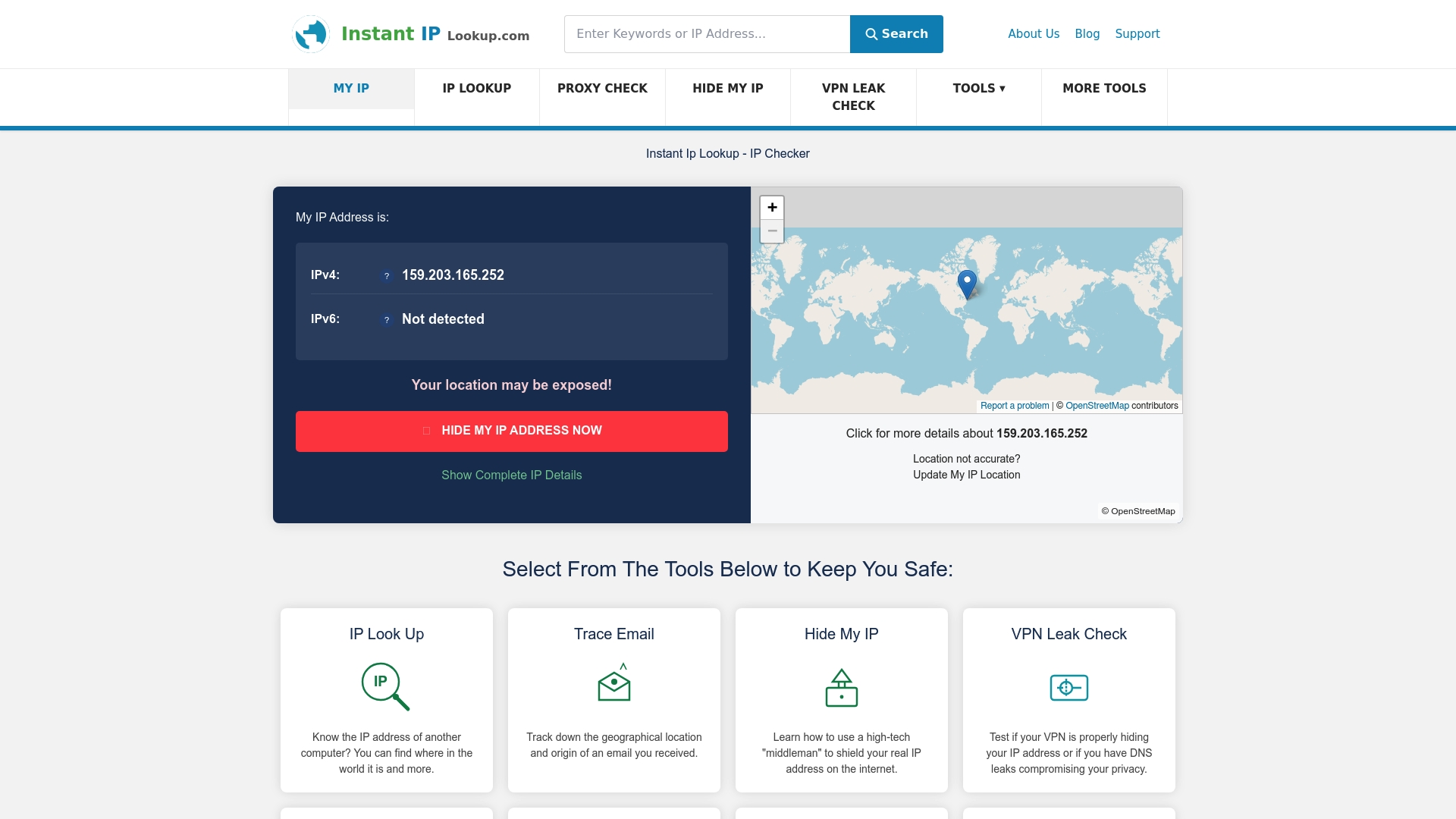
Start by running an IP address lookup right now to see exactly what your public IP reveals about your network, including your ISP, geolocation, and whether you are flagged on any blacklists. For a deeper understanding of how to use this data in your security workflow, the cybersecurity IP lookup guide walks you through every step. Instant IP Lookup gives you free, real-time tools to monitor, diagnose, and protect your public IP without any technical overhead.
Frequently asked questions
What is a public IP address?
A public IP address uniquely identifies your network on the internet, allowing external servers and services to communicate with you. Unlike private IPs, it is globally visible and routable across all networks.
How often should I monitor my public IP?
You should monitor your public IP continuously using automated alerts, and schedule manual reviews at least quarterly. Any ISP reset, VPN change, or network reconfiguration warrants an immediate check.
Can monitoring my public IP prevent cyber attacks?
Yes, consistent monitoring helps you spot unusual activity, verify your IP has not been blacklisted, and respond to threats before damage occurs. Tracking public IP addresses is a recognised best practice in proactive security management.
Which tools are best for affordable IP monitoring?
Free tools like GreyNoise and MXToolbox, combined with simple PowerShell scripts, provide solid IP monitoring for small businesses without requiring paid enterprise solutions.

Comments (0)