

TL;DR:
- ISPs can track user activity through DNS queries, traffic metadata, and deep packet inspection even with HTTPS.
- Legislative changes have reduced user protections, enabling ISPs to sell browsing data without explicit consent.
- Using tools like VPNs, encrypted DNS, and ongoing privacy audits helps mitigate ISP tracking and protect online privacy.
Most people assume that using HTTPS or a secure browser keeps their online activity private. It does not. Your Internet Service Provider (ISP) sits between you and every website you visit, and it sees far more than you realise, including every domain you access, the volume of data you transfer, and sometimes the contents of your traffic. Understanding exactly how ISPs collect this data is the first step towards protecting yourself. This guide walks through the core tracking methods, real-world examples of how ISPs have used this data, the legal landscape shaping what they can do, and the practical steps you can take right now.
Table of Contents
- Understanding how ISPs track your online activity
- Real-life examples: How ISP tracking works in practice
- Tracking and privacy: The legal landscape and user implications
- Protecting yourself: Practical measures against ISP tracking
- Why privacy is about trade-offs, not perfect solutions
- Enhance your privacy: Tools and further resources
- Frequently asked questions
Key Takeaways
| Point | Details |
|---|---|
| ISPs monitor multiple data points | DNS queries, traffic metadata and packet inspection enable ISPs to profile your online activity. |
| Privacy laws affect data use | Legal changes such as the 2017 US FCC privacy repeal have increased ISPs’ ability to monetise user data. |
| Protection is layered | Measures like VPNs and encrypted DNS improve privacy, but no tool delivers total anonymity. |
| Awareness is your best defence | Understanding ISP tracking empowers you to choose effective, realistic solutions for privacy. |
Understanding how ISPs track your online activity
Every time you type a web address into your browser, your device sends a DNS (Domain Name System) query to translate that address into an IP address. Your ISP handles this query by default, which means it can see every domain you visit regardless of whether the site uses HTTPS. HTTPS encrypts the content of the page, but it does not hide the fact that you visited it. That distinction matters enormously.
Beyond DNS, ISPs collect traffic metadata. This includes:
- The IP addresses of servers you connect to
- The time and duration of each connection
- The volume of data sent and received
- The frequency of connections to specific services
Metadata alone can paint a surprisingly detailed picture of your habits. Connecting to a mental health platform at 2 a.m. for 45 minutes tells a story, even without a single word of content being read.
The third and most intrusive method is Deep Packet Inspection (DPI). DPI goes beyond connection facts and analyses the actual contents of data packets passing through the network. ISPs use it to identify which application or protocol is generating traffic, whether that is a video stream, a file transfer, or a voice call. This technique is the engine behind bandwidth throttling and targeted advertising programmes. You can learn more about how VPN vs ISP tracking compares in practice, and why even encrypted tunnels have limits.
One area that catches many users off guard is IP leak exposure. Even when you think your traffic is protected, misconfigurations can expose your real IP address. Understanding IP leak and privacy protection is essential for anyone serious about reducing their digital footprint.
Pro Tip: Switch your DNS resolver to one that supports DNS-over-HTTPS (DoH) or DNS-over-TLS (DoT). Both protocols encrypt your DNS queries, making it significantly harder for your ISP to log every site you visit. Providers such as Cloudflare (1.1.1.1) and Google (8.8.8.8) offer free DoH and DoT support.
Real-life examples: How ISP tracking works in practice
Tracking methods are not theoretical. ISPs have built entire commercial programmes around them. The AT&T Internet Preferences programme offered customers a monthly discount in exchange for explicit consent to monitor their browsing and deliver targeted adverts. Users who declined paid more. That is a direct financial incentive to surrender privacy, and many accepted without reading the fine print.
Comcast and other major providers have used DPI to identify and throttle peer-to-peer (P2P) traffic and streaming services. When your Netflix buffer slows during peak hours, DPI is often the mechanism identifying your traffic type and deprioritising it. This is not a bug; it is a deliberate network management choice.

In 2017, the US Congress repealed FCC privacy rules that had required ISPs to obtain opt-in consent before selling browsing data to third parties. That single legislative change handed ISPs significant commercial power over user data. Understanding what IP lookup reveals about your connection can help you gauge your own exposure.
Here is a comparison of common tracking types and their impact on users:
| Tracking type | What ISPs see | User impact |
|---|---|---|
| DNS queries | Every domain visited | Full browsing history |
| Traffic metadata | IPs, timing, data volume | Behavioural profiling |
| Deep Packet Inspection | Protocol and app type | Throttling, ad targeting |
| Connection logs | Duration and frequency | Pattern analysis |
For businesses, the risks extend further. Sensitive communications, client data queries, and internal tool usage can all be inferred from metadata patterns. Tools for suspicious activity detection using geolocation and IP trackers can help organisations identify unusual patterns before they become incidents. And if your team uses public Wi-Fi, the risks multiply considerably, as those networks often share ISP-level monitoring with additional attack surfaces.
Tracking and privacy: The legal landscape and user implications
The legal framework governing ISP tracking varies significantly by country, but the US case is the most instructive example of how quickly protections can be removed. The 2017 FCC privacy rule repeal eliminated the requirement for ISPs to obtain explicit opt-in consent before collecting and selling customer browsing data. What remained was the older CPNI (Customer Proprietary Network Information) framework under Section 222, which requires ISPs to protect certain call and connection metadata but leaves browsing data largely unprotected.
Here is how the landscape shifted:
| Privacy aspect | Before 2017 | After 2017 |
|---|---|---|
| Browsing data sales | Opt-in required | No opt-in needed |
| Metadata protection | Covered under FCC rules | CPNI only (limited) |
| User recourse | Formal complaint process | Reduced federal options |
| ISP accountability | Stricter enforcement | Primarily state-level |
Verizon was fined $46.9 million in 2024 for mishandling customer data, demonstrating that regulators do still act, but fines arrive long after the damage is done.
For individuals and businesses assessing their exposure, here are the steps to take:
- Identify your ISP’s data practices by reviewing their privacy policy for data retention and sharing clauses.
- Check what your IP address reveals about your network by using tools to identify ISPs from IP addresses.
- Review WHOIS records for any domains you operate, as these can expose organisational details. A WHOIS lookup and privacy guide covers what to look for.
- Audit your DNS configuration to confirm whether queries are encrypted or exposed.
- Document your data flows, particularly if you handle client information, to understand what your ISP could theoretically observe.
In the UK and EU, GDPR provides stronger protections, requiring ISPs to have a lawful basis for processing personal data. However, even under GDPR, ISPs can process metadata for legitimate network management purposes. Assuming legal protection alone is sufficient is a mistake.
Protecting yourself: Practical measures against ISP tracking
Knowing the risks is useful. Acting on them is better. The good news is that several well-established tools can meaningfully reduce your ISP’s visibility into your activity, even if none of them eliminates it entirely.
Here are the main options, with honest assessments:
- VPN (Virtual Private Network): Encrypts your traffic and routes it through a third-party server, hiding content and destination from your ISP. Limitation: your ISP can still see that you are using a VPN, and the VPN provider becomes the new potential point of exposure.
- DNS-over-HTTPS or DNS-over-TLS: Encrypts DNS queries so your ISP cannot log domain lookups. Limitation: does not hide your traffic content or IP connections.
- Tor Browser: Routes traffic through multiple encrypted relays, making it very difficult to trace. Limitation: significantly slower and impractical for everyday use.
- Privacy-focused browsers: Reduce tracking at the browser level but do not affect ISP-level monitoring.
- HTTPS Everywhere: Ensures encrypted connections to sites that support it, but does not hide the sites you visit from your ISP.
A critical but overlooked risk is DNS leaks. Even with a VPN active, your device may send DNS queries outside the encrypted tunnel, directly to your ISP’s resolver. Running a DNS leak test can confirm whether your VPN is actually protecting your queries. Understanding the difference between DNS vs IP leaks helps you diagnose which vulnerability applies to your setup. A full VPN leak test guide covering DNS and WebRTC leaks is essential reading before trusting any VPN configuration.
Pro Tip: Browser isolation, running your browser inside a sandboxed virtual environment, adds another layer by preventing tracking scripts from persisting between sessions. Combined with encrypted DNS and a reputable VPN, it creates a significantly more resilient privacy setup for high-risk activities.
Why privacy is about trade-offs, not perfect solutions
Here is the uncomfortable truth that most privacy guides avoid: no tool provides total invisibility. ISPs always see some connection facts. They know you connected to a VPN server. They know when and for how long. They know the volume of data transferred. Privacy is not a binary state; it is a spectrum, and the goal is to move along it, not to reach an impossible endpoint.
The conventional wisdom of “just use a VPN” is well-meaning but incomplete. A VPN shifts trust from your ISP to your VPN provider. If that provider logs data or operates in a jurisdiction that compels disclosure, you have not gained much. Reviewing ISP vs VPN privacy limits with clear eyes is more useful than assuming one tool solves everything.
What we have found, working with cybersecurity professionals and privacy-conscious businesses, is that the most effective approach is layered and continuous. Use encrypted DNS. Run regular leak tests. Audit your ISP’s data policies annually. Treat privacy as an ongoing practice, not a one-time configuration. The threat landscape evolves, and your defences should too.
Enhance your privacy: Tools and further resources
If you are ready to move from understanding to action, InstantIPLookup.com offers a suite of tools designed to help you assess and improve your privacy posture right now.
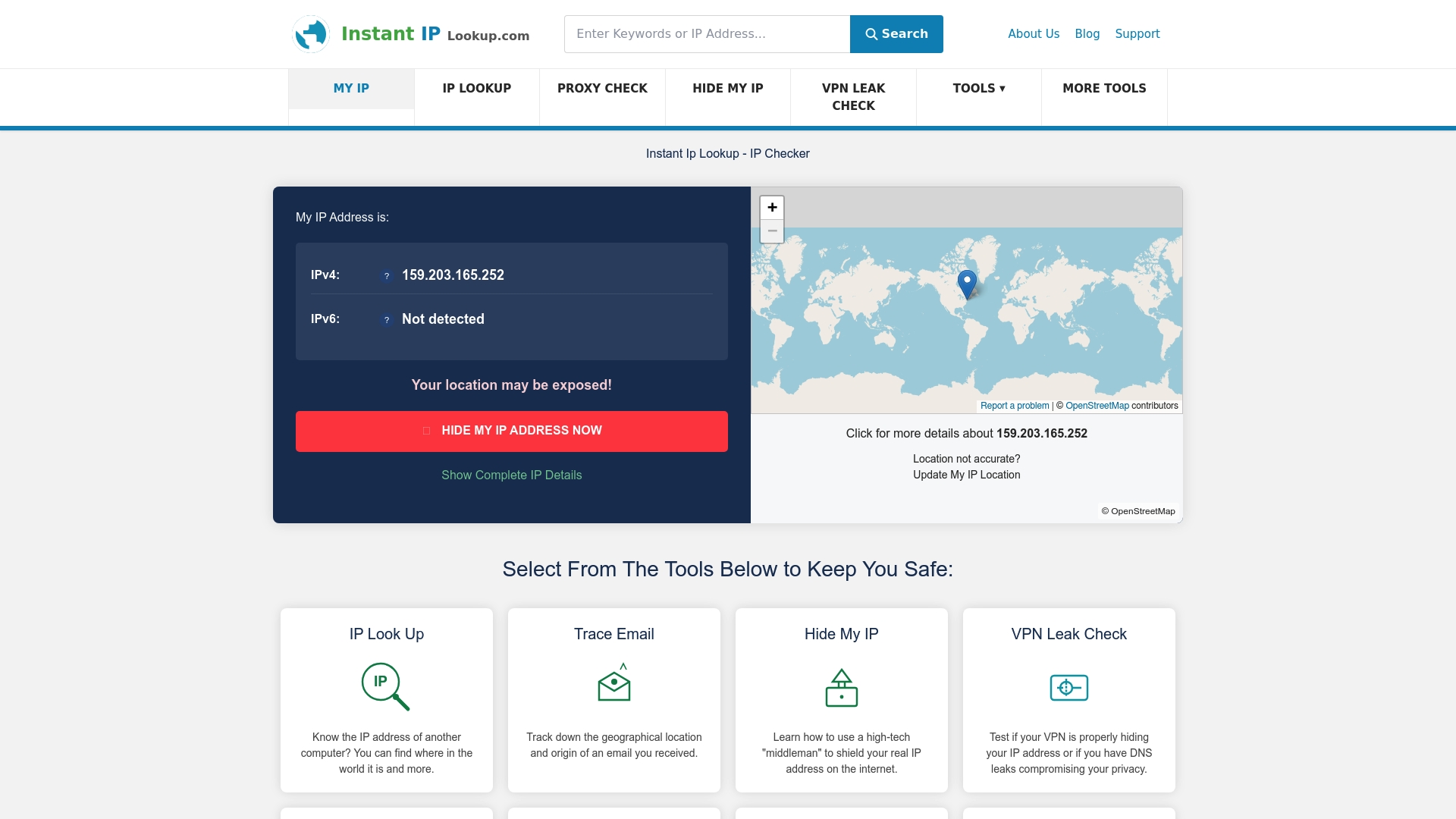
Start with the instant IP lookup tool to see exactly what your current connection reveals, including your ISP, location, and network details. For a deeper understanding of what that data means, the IP address lookup guide for cybersecurity walks through practical network management applications. If you use a VPN, the VPN leak check tool will confirm whether your setup is actually protecting you or leaving gaps that your ISP can still exploit.
Frequently asked questions
Can my ISP see what I do online if I use HTTPS?
Yes, your ISP can still see the domains you visit and related metadata via DNS queries, but not the specific pages or content you view within those sites.
What information can ISPs legally collect and sell?
ISPs can collect and sell browsing and usage data unless restricted by local regulations. In the US, major privacy rules were repealed in 2017, removing the opt-in requirement for selling browsing data.
What is Deep Packet Inspection (DPI) and how is it used by ISPs?
DPI analyses packet contents to identify protocols and applications, enabling ISPs to throttle specific traffic types and deliver targeted advertising beyond basic connection information.
How effective are VPNs against ISP tracking?
VPNs hide much of your traffic content from ISPs, but ISPs always see some connection facts, including that you are using a VPN, and DNS leaks can still expose your queries if the VPN is misconfigured.
What should businesses do to secure sensitive data from ISP surveillance?
Businesses should deploy VPNs, encrypted DNS, and conduct regular privacy audits to reduce exposure, treating ISP tracking as an ongoing operational risk rather than a one-time concern.

Comments (0)